
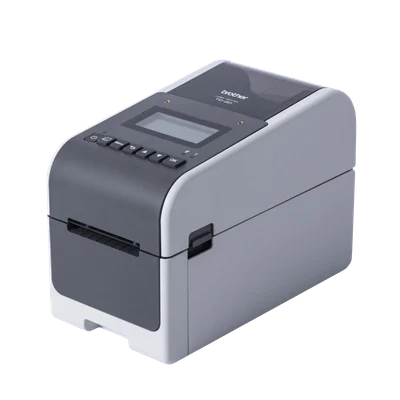
1
Connect with Bluetooth
Best for one tablet next to the printer.
Plug in and switch on
Plug the printer into a socket, turn it on and set the date and time.
Turn on Bluetooth in Classic mode
Press Menu and use the arrow keys to go to Bluetooth. Set Bluetooth On, then set Mode to Classic.
Classic modeIt must be set to Classic or the app won't find it.Pair it with your phone or tablet
Turn on Bluetooth on your phone or tablet, open its Bluetooth settings and tap the Brother printer to pair.
Connect in the Dill app
Log in, tap the printer button at the top of Home, pick Bluetooth and tap Connect. The square turns green.